How to improve your TV's image quality: the hidden HDMI setting
Smart TV users can significantly improve image quality by activating the HDMI Deep Color feature in their device settings.
 💡Tech
Photo: UNIAN
Key points
- HDMI Deep Color improves color depth
- Settings names vary by manufacturer
- Activation is essential for proper HDR performance
Why your TV might not be displaying the best picture
Many owners of modern HDR-capable televisions often find that the image looks dull or lacks saturation. Often, the cause is not a technical failure, but a feature called HDMI Deep Color that is disabled by default. This technology enables the transmission of signals with a color depth of 10 or 12 bits, which significantly expands the palette of shades compared to the standard 8 bits.
How to configure your device manually
The Deep Color feature is available on most TVs released in recent years. Although manufacturers often name it differently — for example, HDMI UHD Color on Samsung, Ultra HD Deep Color on LG, or "Enhanced format" on Sony — the principle remains the same. To check if this option is active, you need to navigate to the TV's input port settings and ensure that the high-quality mode is enabled for each HDMI port connected to gaming consoles or media players.
Activating this setting helps eliminate harsh color banding and makes the visuals in movies and video games more realistic. If you notice glitches with your console or poor color reproduction, checking your HDMI settings should be the first step toward resolving the issue.
Source UNIAN — unian.ua/techno/gadgets/shcho-take-hdmi-deep-color-i-chomu-cyu-funk… ↗
Read next
 🛡️Security
Mike Waltz: Russian Army Casualties Reach Critical Levels
The US Ambassador to the UN stated that Russian troop losses currently exceed their monthly recruitment rates, reaching levels comparable to World War II.
 🏙️City
Car color as a reflection of personality: what psychologists say about driver choices
Psychologists have analyzed how a vehicle's color can indicate a driver's personality traits, while emphasizing the importance of practical factors.
 🏙️City
Ukrainian drones to be manufactured in the UK: agreement details
Ukraine and the UK have agreed on the joint production of middle strike and deep strike drones for the needs of the Defense Forces.
 ⚽Sport
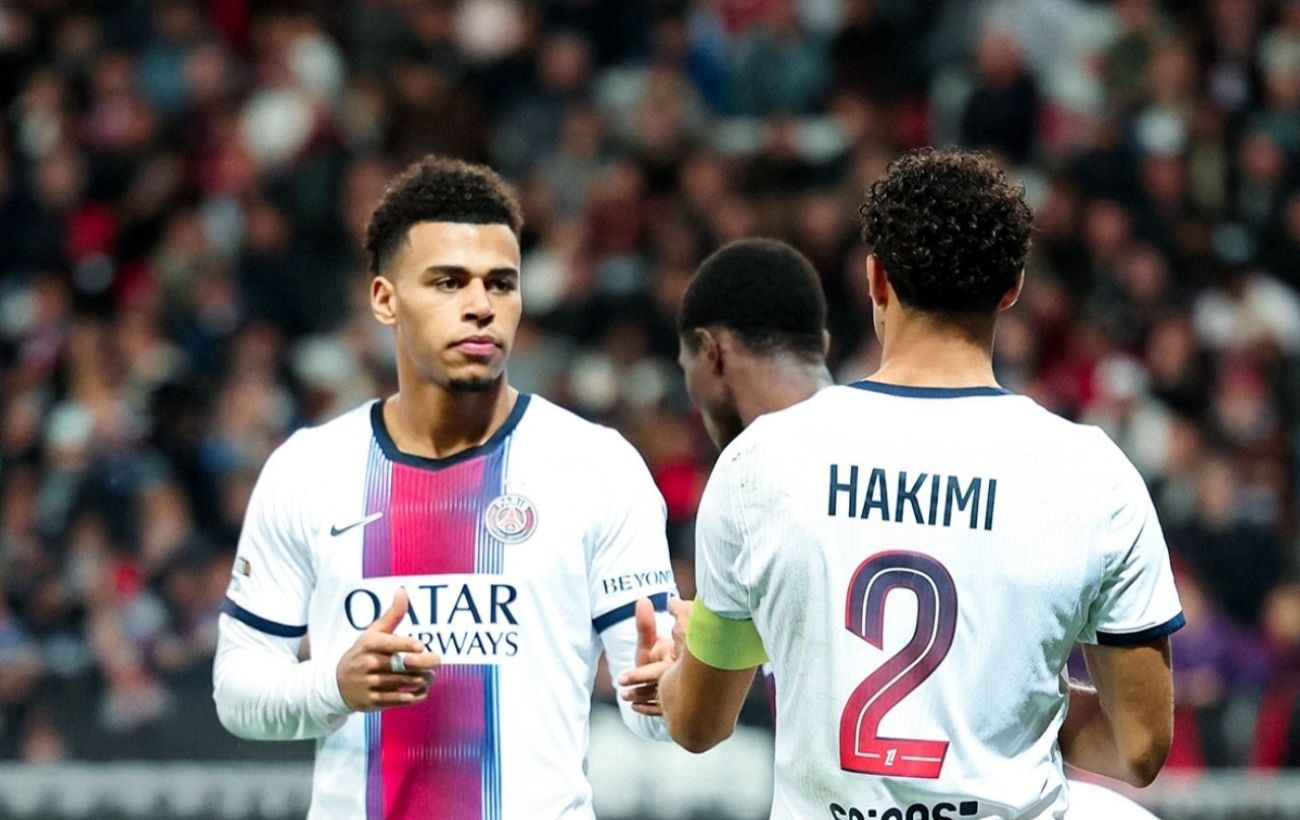
Ilya Zabarnyi helps PSG secure a comeback victory against Nice
Ukrainian defender Ilya Zabarnyi played in the 11th round of the French championship, where PSG defeated Nice 3-2.
 🎭Culture & Sport
Prague honors Ukrainian heroes on the Day of Dignity and Freedom
A memorial service was held at the Olšany Cemetery in Prague to honor those who sacrificed their lives for Ukraine's independence.
 🚌Transport
Russian vessel Sparta II loses power in the Baltic Sea after drone attack
The Russian cargo ship Sparta II was damaged by drone strikes and is currently drifting in Finnish territorial waters.